Organize scope, assumptions, costs, schedule, selections, and payment milestones.
KEXAR Contractor Project System
One sheet.Client-ready work.
Enter project information in a guided Google Sheet, then create consistent proposals, agreement drafts, change orders, invoices, statements, status reports, and closeout summaries.
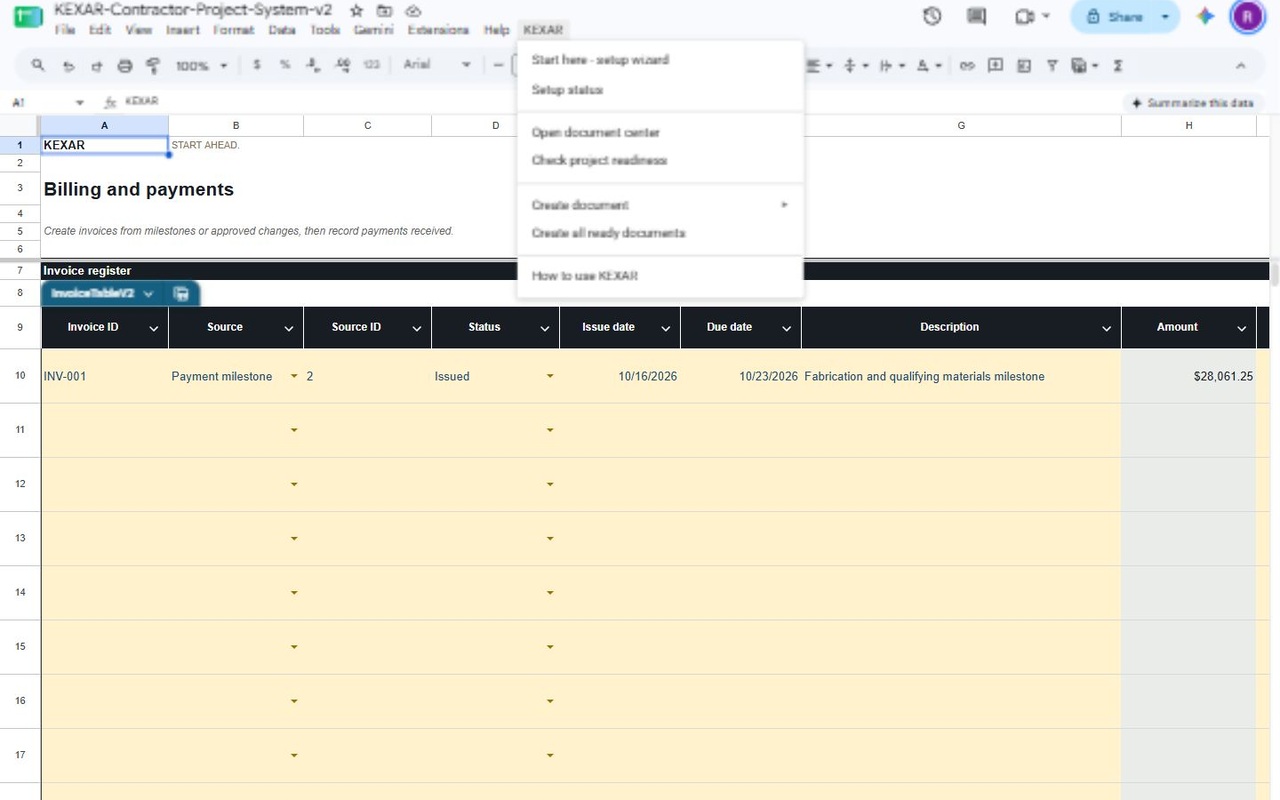
From scope to payment
One guided workflow.
KEXAR keeps the project story connected. The same structured information supports planning, progress tracking, document creation, billing, and closeout.
Record proposed and approved changes without losing the current contract picture.
Create milestone or change-based invoices and maintain a clear client account history.
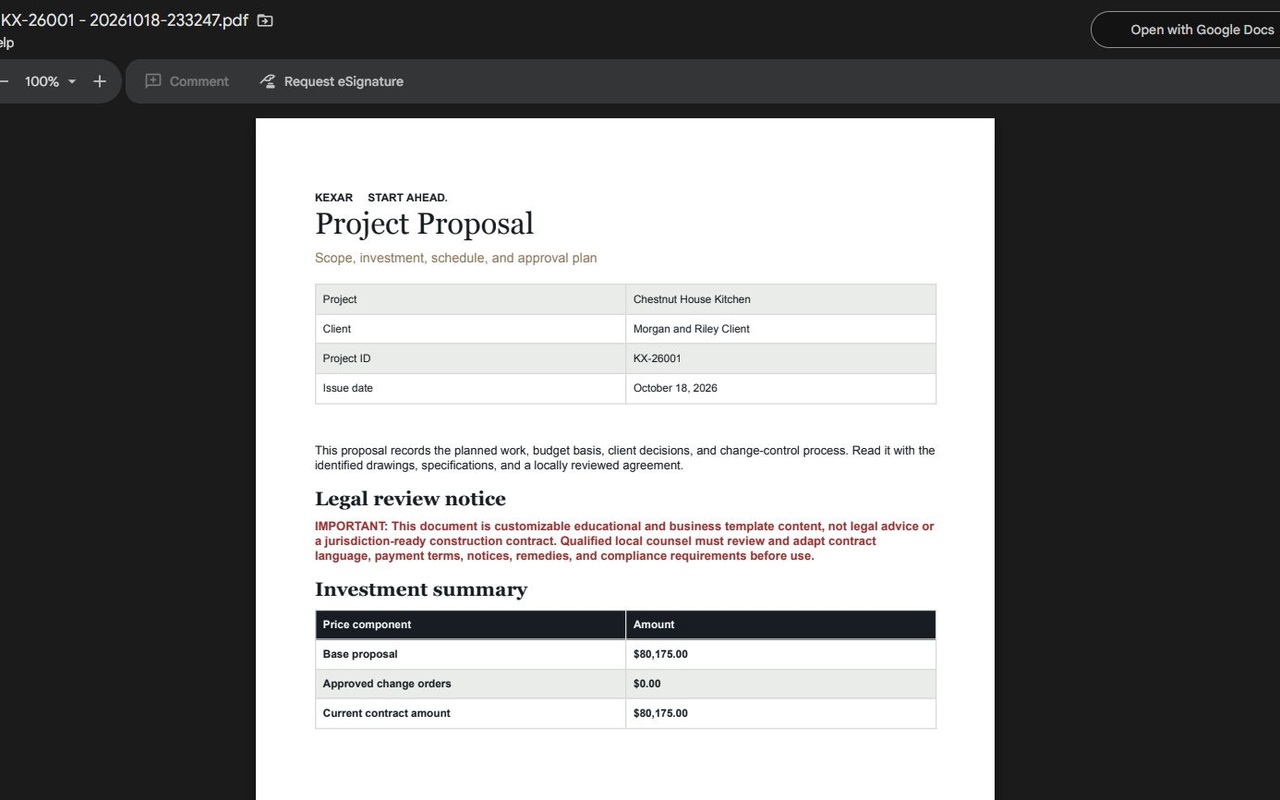
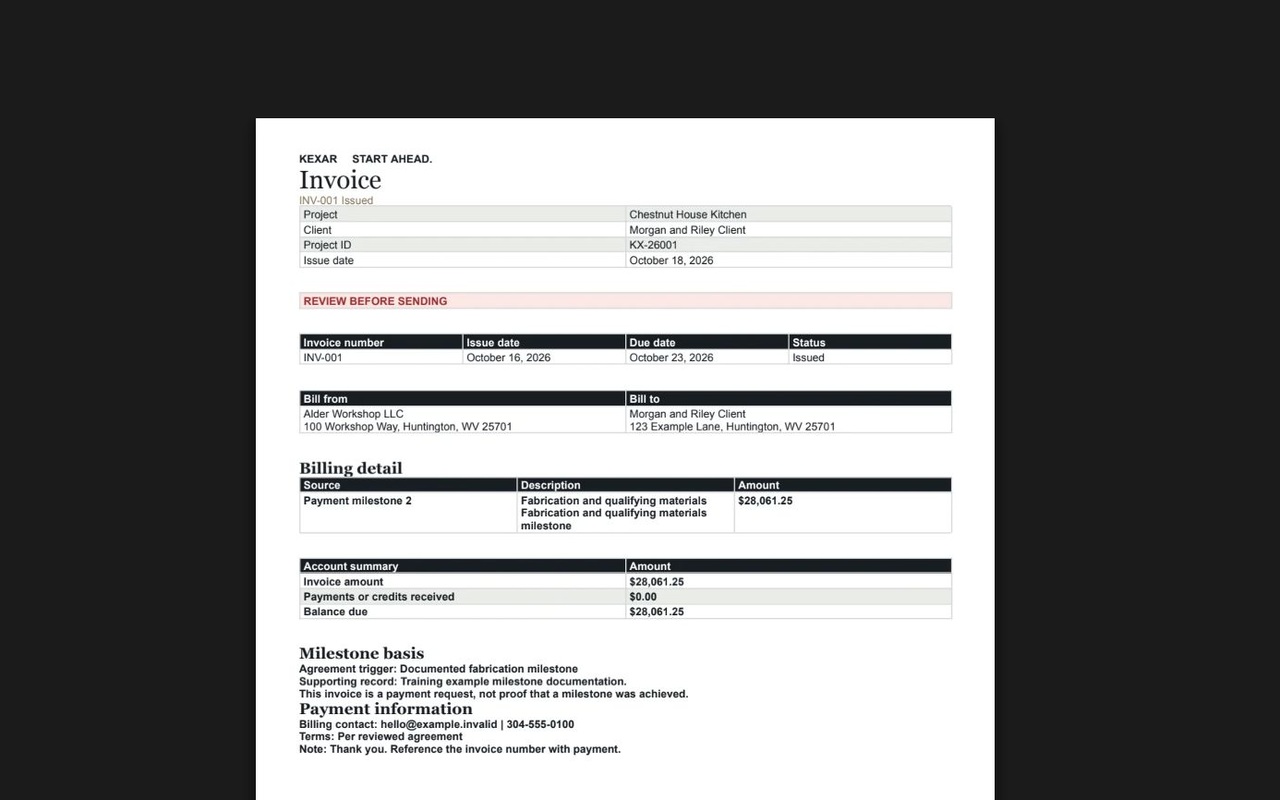
Generate Google Docs and PDFs from the project information already entered.
Use structured summaries and charts to understand cost, schedule, and completion.
Review every output, complete punch items, and preserve a useful project record.
Generated output
Documents designed to be reviewed—and used.
KEXAR creates structured working documents inside the user’s Google account. The user remains responsible for reviewing project figures, client details, and legal language before sending.
What you need
- A Google account with access to Google Sheets, Docs, and Drive.
- An official copy of the KEXAR Contractor Project System spreadsheet.
- The KEXAR Google Workspace add-on when it becomes publicly available.
Release status
The public Google Workspace Marketplace release is being prepared. This site provides the permanent product, setup, privacy, terms, and support information required for that release.
Purpose-limited Google access
KEXAR works with the active KEXAR spreadsheet, creates Google Docs and PDFs requested by the user, and stores those outputs in the user’s Google Drive. It does not request permission to browse every file in the user’s Drive.
See the Privacy Policy for the complete data-use explanation.
Review before use
KEXAR is a productivity and document-generation system—not legal, accounting, tax, engineering, architectural, safety, licensing, or construction-management advice. Users must review every generated document and have agreement language adapted by qualified local counsel where appropriate.